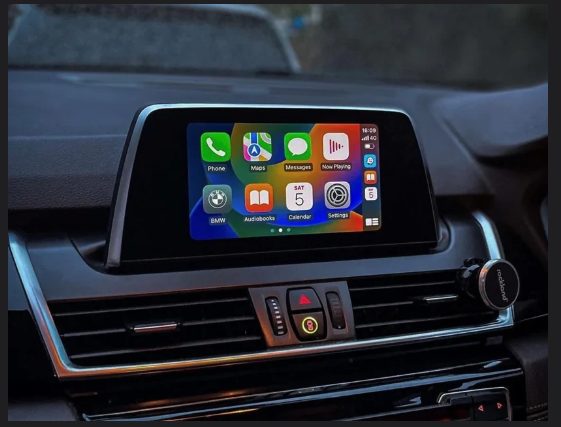
Find your system — and its CarPlay status
Compare your iDrive screen with these. MINI screens look different but map to the same families. The ID5/ID6 and CarPlay photos are the real screens.
2012–2016
NBT (NEXT)
Map version: NEXT
2014–2016
EntryNav (ROUTE)
Map version: ROUTE
2016–2017
NBT EVO ID4
Map version: EVO
2017–2020
NBT EVO ID5
Map version: EVO
2017–2020
NBT EVO ID6
Map version: EVO
2016–2019
EntryNav2 (WAY)
Map version: WAY
2018–2022
MGU LIVE (iDrive7)
Map version: LIVE
2021+
MGU JOY (iDrive8)
Map version: JOY
2016–2019
Contact us Now
If you face any other Error Please contact us
EntryNav2 owners — check this first. Open NAV → Options → Navigation System Version. Your screen must read WAY (for example Road Map EUROPE WAY 2026-1). If it reads ROUTE, that is the original EntryNav and CarPlay is not possible on it. The unit must also have a physical WLAN port on the back — if you cannot tell, send us your VIN and we will confirm free before you order. Full-screen CarPlay on EntryNav2 needs firmware 07-20 or newer (the code is a date, so 07-20 means July 2020).
About the Wi-Fi antenna. Wireless CarPlay carries its data over the car’s Wi-Fi, and a factory antenna gives the strongest link. It does not decide whether your car is compatible and it is not needed for the activation itself — it can be fitted at any time afterwards for a more solid connection.
To confirm the family, open Navigation → Option → Version and read the map word: NEXT=NBT, ROUTE=EntryNav, EVO=NBT EVO, WAY=EntryNav2, LIVE/JOY=MGU. Full steps in the system guide.